Making the Transition from iPhone to Android

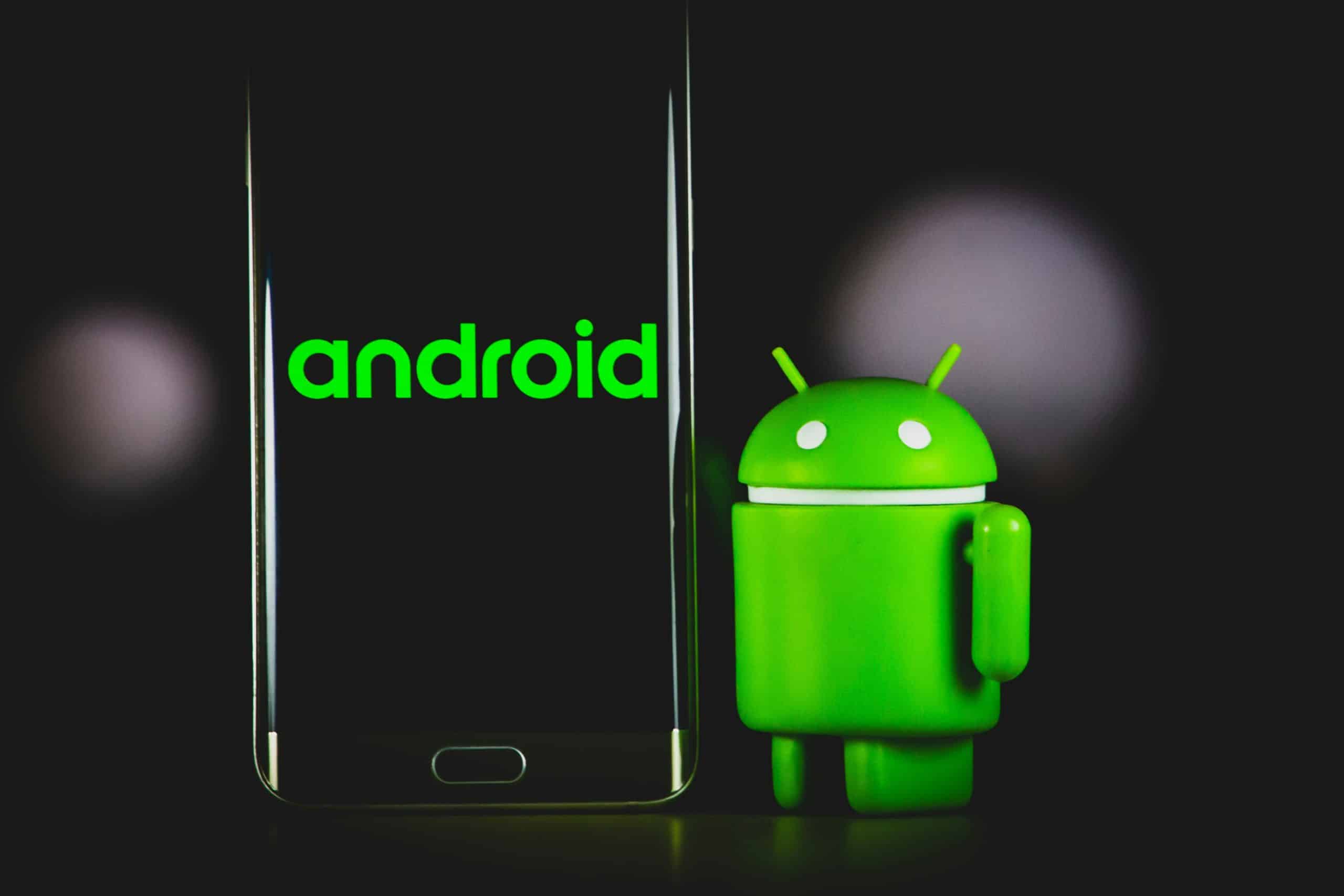
If you’ve been paying attention to the news in the techsphere, you definitely know just about everything there is to know about Android. Perhaps you’ve been reading along with the launch of all of the Android phones, including the hot Sprint EVO 4G, one of the fastest phones on the Android platform, if not across smartphones to begin with. The Android phone line has something for everyone, but if you have an iPhone, you might wonder if you should even make the transition.

Naturally, no one can force you to switch to another phone. But if you’ve found that the iPhone isn’t working for your personal situation, you might want to think about getting a nice Android phone and just transitioning from iPhone to Android outright.

One of the biggest things that may be different as you go from iPhone to Android is using Gmail by default. If you want to keep using a webmail service like Hotmail, you certainly can. However, Gmail is seriously integrated into Android, which isn’t going to go away anytime soon. You have to sign in with a Google account or create one when you initialize your Android for the first time, so you might as well get an account anyway.

From there, you will need to think about your contacts in your iPhone. The last thing that you want to do is lose your contacts, but you don’t have to go without them. You just need to make sure that you sync the contacts to your computer first through the iTunes app (which you should have if you have an iPhone!). There are instructions on Google’s website that go into more detail on this, but you basically go into your iPhone settings menu and sync contacts with your Google account.

Making the transition from iPhone to Android is a bit more complicated than just settings. It does require getting used to having things in different places, and also having the ability for more buttons to be used instead of being all touchscreen all the time. You will still have plenty of applications to choose from, so it’s not like you’re going to lose all the goodness from iPhone that you were used to.

Overall, the transition isn’t as painful as some super iPhone fans would make you believe. If you really take a few steps at the beginning to save your contacts and get started with email, you will have no trouble getting the most out of your Android phone!

Go Beyond 3G with the New Android Phone

Just got 3G? Well, we hate to break it to you, but you are definitely late. Way late. The new buzz is all about going 4G, and if you can go 4G with an Android phone, that’s even better. For those not in the loop, you might wonder why 4G is such a big deal — after all, isn’t it just the next generation of speed?

Yes, but it’s much more than that. The speeds can get pretty incredible, depending on the carrier you’re talking about. For example, Sprint’s 4G network runs on EV-DO, which naturally is CDMA/TDMA dependent. However, the latest version can reach speeds approaching 3.1 Mb/s. That’s not a slow data connection at all — videos get to your phone faster, web sites get to your phone faster, and transfers are pretty painless. Sprint has been rapidly expanding their 4G network, which means that as more phones that support the new generation become available, you’ll actually be able to take advantage of that speed.

When it comes to phones on the Android platform that support 4G at this time, your choices are a bit limited to start with. However, the Android trend has swelled in popularity to the point that it’s fast becoming the best selling smartphone around — giving BlackBerry and iPhone something to think about for sure!

As mentioned before, your choices are pretty much the Sprint EVO 4G and the Samsung Epic that has not yet been released. That won’t be released for another few weeks, but it’s part of the Samsung Galaxy S series. It’s called the Samsung Epic, and it will also be offered for Sprint networks.

Does that mean that T-Mobile, Verizon, and AT&T are staying out of the Android craze and the 4G frenzy? Definitely not, but it looks like they’re focusing more on spreading out their network before they jump forward with more phones. They could pick up the Epic for their network in a GSM version, if Samsung feels there’s enough demand for it.

Is it time for you to upgrade to 4G? Well, if you’re someone that really cares about speed, it’s definitely something to consider. Going 4G will make things a lot faster, but if you’re not due for a handset upgrade, you might want to think about whether or not you really have an extra hundred or two burning a hole in your pocket. If not, stick with 3G — 3G support is pretty strong now, so you shouldn’t have a problem.

Kindle for Android Gives Amazon Customers More Options for Accessing their Library than Ever Before

The Amazon Kindle is one of the best devices to come out in a long time, for several reasons. For starters, it’s getting people that weren’t very cell phone and technology savvy to embrace technology so they can go back to reading. It’s something that is giving people more options in entertainment, and you don’t have to be a techie to appreciate the Kindle. On the other hand, tech fans have embraced the Kindle because Amazon has been wise enough to make sure that they embrace a platform that tech fans are crazy about right now: the Android platform.

Indeed, Kindle for Amazon truly does give Amazon customers more options than ever before. The app is free from Amazon, and has several interesting features that are worth mentioning.

For starters, the app saves the last pages that you read on your Kindle and immediately marks that spot in the new app. It’s done via Whispersync, their special synchronization feature that truly makes your Kindle books more portable. There might be times where you need to leave your Kindle at home or leave it with someone else. This would still give you the ability to read all of your Kindle books without missing a beat. Turning your Android phone into a second Kindle through this app is actually quite clever, and gives you the ability to never miss reading your favorite books and magazines.

One of the first concerns about the Kindle for Android app was whether or not the books would resize themselves for the difference in screen space. After all, you’re getting a bit less space on an Android phone than you are with the actual Kindle. Howe3ver, that concern is unnecessary — Kindle for Amazon does indeed adjust everything — from the text size to the bookmark view — to fit your Android phone.

Even though the app was first created to support the current library that you have, you don’t have to live with never being able to buy another Kindle book again. You can go directly to the Kindle store from the Kindle for Amazon app and pick out new books whenever you like. You will still pay the same flat 9.99 for each book, which means that you won’t have to worry about any hidden charges just because you’re using a different app.

Overall, the Kindle for Android really gives you more options about how to interact with your Kindle books, but you have to check out the app in order to unlock the benefits!

eyeSight – A Gestures-based Interface for Android

If there was one new interesting technical gadget out, it would have to be the entire set of Android apps. Yes, the entire set. Just like iPhone apps, there are some Android apps that are a bit questionable, or that it’s clear that they need a bit more work and polish before they’re really ready for prime time. However, there’s a neat program that deserves a bit of a mention. It’s the eyeSight, an Android app that brings hand-waving and other gestures to the Android.

Indeed, eyeSight is not a native Android application, but something that had the libraries ported over to the Android platform. It’s just another example of how flexible Android really is — developers are really getting into moving things over to Android and then working on making them even better than they were on other platforms.

But that’s enough Android praise — you probably want to know what the eyeSight actually can do for you, right?

Right. The eyeSight system allows for the creation of Android apps that can change tracks, selectively choose which calls to answer and which ones to ignore, and show all your text messages with a simple wave of the hand.

Google has been rumored to be interested in the technology, but it looks like nothing has been announced on that front about doing anything with the technology as far as making it an official part of the standard development package.

Why report on something that’s still in its infant stages? Well, a lot of great technologies started out in this form. The eyeSight platform has a lot of potential to really change the way you interact with your phone. For example, the ability to simply use your hands and gesture at your phone will remove a lot of the accidental damage problems that plague cell phones in general. A quick example can be found in the moments where our hands are busy doing other things, like taking something out the oven or working with sticky flour. Instead of trying to wait for the perfect moment where your hands aren’t busy, you can simply gesture quickly and go back to taking care of the other things in your life.

Anything that takes away from the distractions of life without adding to them is definitely a good thing. Will developers get the message and develop something other than a fart detecting app? Only time will tell.

New to the Android Application Universe – Here Are Five Apps to Get Your Feet Wet

The Android has become one of the most sought after consumer products since the iPhone. Aside from being a smart phone, it also exists as an extremely useful mobile tool if you make the most out of the application options. As an example, let’s examine five different apps to break you in a little.

Twidroid

For the Twitter-heads Android offers Twidroid which is a mobile application to the social networking giant Twitter (obviously). Even though it currently lacks the support for multi-accounts, it still allows you to navigate around the site as if you were sitting at your laptop or desk top. Any Twitter user will instantly fall in love with the ability to stay connected while on the move.

WordPress for Android

As blogging gets bigger and bigger with the correlation to Internet marketing and everyday information in general, we have WordPress for Android. With a very simple navigation system, WordPress allows you to publish new posts, approve comments, edit pages etc. Being a blogger will only get easier with this application and keep your interests mobile.

Google Shopper

Price comparing is made easy with Google Shopper. It truly is something out of a Star Trek movie.  Even though simple in design and idea it supports the ability to scan barcodes and automatically search for information regarding the product – prices, reviews, ratings, and other related products. Makes wondering if you’re paying too much a thing of the past.

Translate

Translate is a mobile version of the Google program Google Translator. Perfect for any traveler or person interested in, or in need of, communicating with people who have language barriers. It offers 150 language pairs and translates into English or your native language – pretty neat, to say the least.

Notepad Apps

Notepad apps can be invaluable, however, due to their dull tone and basic design, we rarely use them. Google takes this a step farther and uses AK Notepad which spices up the interface and makes it a more fun/friendly app to use as opposed to the traditional notepad.

The Google apps will do nothing but evolve over the next several years and if you are currently seeking an Android, or interested in learning more about applications and the functions they offer, the Internet is the best place to start. You can learn everything there is to know about the creation, development, and purpose of any Android app.

O2 – The History of the Brand

O2 is one of the most successful brands in the history of branding. In fact since 2006 it belongs to Telefónica Europe plc though originally it  was formed from BT Wireless and Genie Internet both of which were spin-offs of British Telecommunications, of BT.

BT Wireless was in fact a conglomeration of telecoms companies from all over the world. These included amongst others BT Cellnet, Digifone of Ireland, Viag Interkom pf Germany, Telfort of the Netherlands, and ?eský Telecom of the Czech Republic.

To state that Telefonica is a large organisation would be an understatement. The company employs 250,000 professionals, operates in twenty five countries, has revenues of nearly €57 billion. As well as the O2 and Telefonica brands it also has Movistar and Terra as separate brand identities.

The O2 brand was conceived as O2 being the chemical symbol for oxygen, and indication that it was something that was fundamentally essential for life. The braqnd was perceived to offer promise, prized values and inspiration. Read the rest of this entry »

Getting a new phone? Take care with your old SIM Card

Those of us who love surfing the internet and using other data hungry applications on our phones will be getting very impatient about the launch of the 4G networks. With 4G we will be able to obtain broadband internet speeds of up to 1 Gbps, which is almost certainly better than we can achieve through our home broadband internet provider.

This means that there will be large numbers of people upgrading their phones as soon as their contracts permit them to do so, or if they can afford to do so, then sooner. Read the rest of this entry »

Fierce Competition in the Mobile Application World – Android vs Apple

The comparison between Google’s Android and the Apple iPhone has been taking place since the Android launched in 2009 and will continue as long as these two set standards and expectations for one another. The discussion that most people are having is deciphering the differences in operating systems, hardware, and usability. The consumer market rarely debates the difference that exists between the Apple AppStore and the Android Market.  This will soon change as mobile applications evolve into every cell phone that exists in people’s pockets and purses.

The major difference on the surface is that when looking at both from afar you will see Apple using a closed method of app sharing while Android uses an open method keeping the distribution completely in the hands of the users. In a closed system, Apple takes applications from developers and filters them through the Apple development team before they are released or shared. This is good because it keeps malicious and pointless apps to a minimum. However, they have total control over everything and have the power to dictate premiums and altercations to any app submitted.  On the flipside to this, Android Market is allowing apps to be developed and distributed without the filtering process that takes place in a closed system. Android Market uses a comment and community rating system that allows people to look at the history of a said app and take the appropriate actions based on the experience of others. Read the rest of this entry »

Android Apps – A Cinch to Install and Uninstall

With the growing popularity of Android applications it is becoming more and more mainstream to download these apps with the use of the Android Market.  It is very similar to the iPhone AppStore, only it works for Android devices whether than iPhone, obviously.  It is the main location where individuals and Android development companies can post, or upload, their applications making it available for all other Android users.  Most apps are free but, of course, there will be some premium apps which will require a purchase of some sort.

Installing Android apps is easy and let’s go over it to see just how simple it truly is:

Installing Applications

1. Open the Android Market from the Applications menu

2. A list will appear showing you Applications, Search, Games, and My Downloads.  Select what you would like and a new list will appear.

3. You will also be able to search specific applications with the search tool.

4. You can also see the number of downloads and user comments on any application that is available.

5. Installing these apps is as easy as clicking the “Install” option.

6. After selecting to download, it will give you a list of the particulars and functionalities of the app in question.  Click OK to finish the installation process. Read the rest of this entry »

Android Applications – Redefining the Mobile Gaming World One App at a Time

Well, the future is here and nothing supports that fact more than the Google Android mobile phone.  With the evolution of the cell phone, we see handheld devices becoming nothing more than tiny computers with the ability to do anything from take pictures to playing games on the Internet.  Game development has become a huge factor in the life of an Android phone.

The Android software development kit (SDK) makes it easy for game developers to enhance the gaming features on an Android phone.  Since this is such an easy program to work with we see game applications blossom at an unbelievable rate.

With the support of Google and the help of Android SDK, you can personalize your mobile device however you see fit.  This innovative software comes to us from the fine people at Google and Open Handset also leaving the Android as an open source program.  One of the main reasons the Android platform is so capable of developing innovative applications is due to the Java support that exists with the Android. Read the rest of this entry »